Wait! Before You Leave…
Not sure how interactive demo will work best for your business? We can guide you!
Not Ready Yet? Check out our Interactive Demo report.





















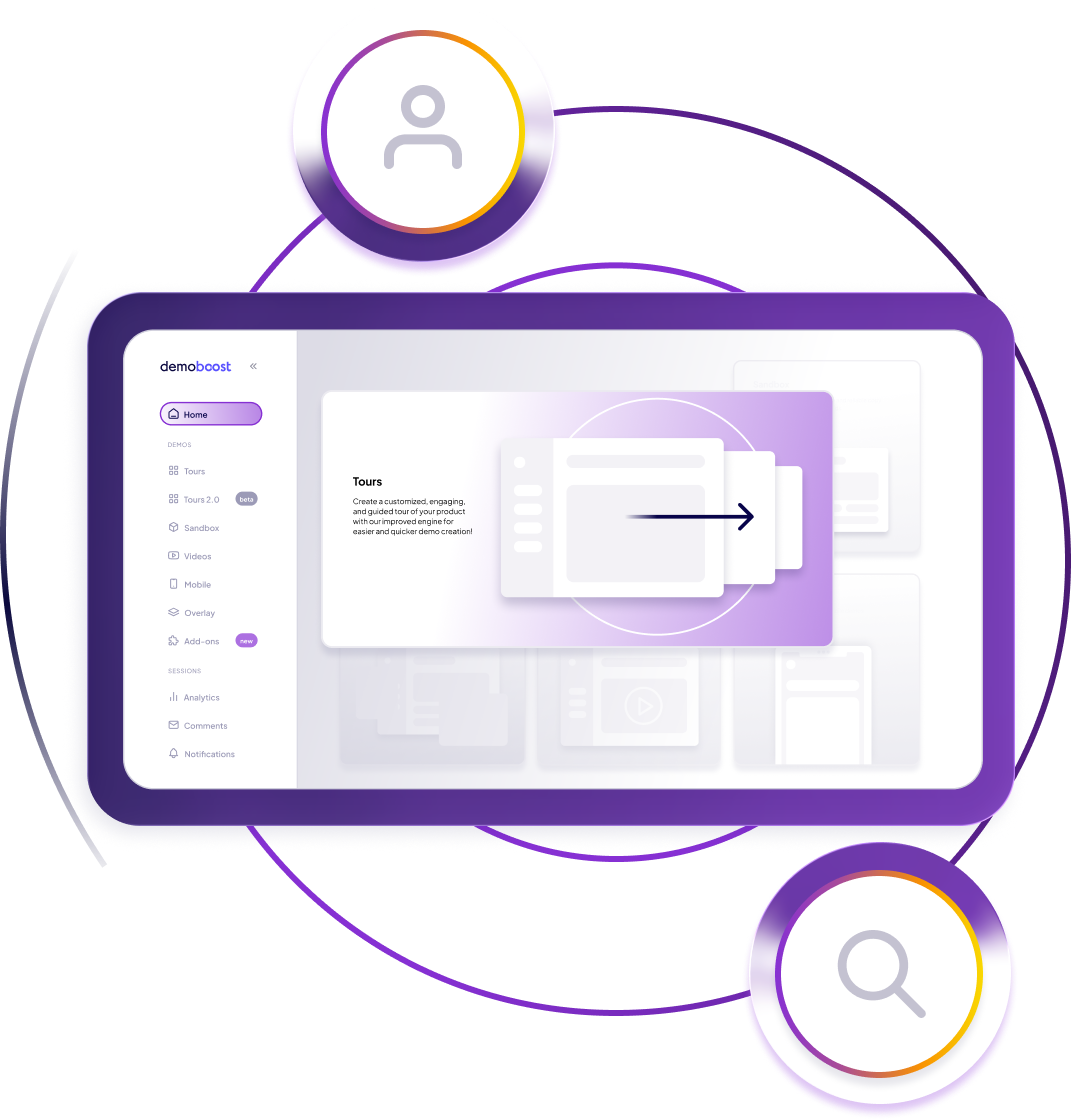
Demoboost and Guideflow do have some overlap — both allow SaaS teams to create interactive, HTML-based product tours that prospects can explore on demand. Where they differ is in breadth and depth of demo formats. In addition to HTML tours, Demoboost supports:
This wider range makes Demoboost suitable not only for self-serve product discovery, but also for more complex sales motions, and later-stage buyer conversations — where realism, flexibility, and depth matter.
The main difference is how far each platform goes beyond basic product tours.Guideflow is well suited for creating quick, no-code, click-through product tours, often used in marketing-led discovery scenarios.
Demoboost is designed for deeper, more flexible demo experiences. In addition to supporting multiple demo formats (HTML, screenshot, video, mobile, sandbox, and live overlays), Demoboost is known for enabling unmatched interactivity in on-demand demos through custom demo scripting.
This allows teams to model real workflows and “aha” moments rather than simple screen progression.Beyond technology, Demoboost also differentiates through:
As a result, Demoboost is typically chosen when prospects need to explore workflows and value in depth, not just click through screens.
Teams often evaluate both platforms, but the choice usually comes down to product complexity, interactivity needed to demonstrate the A-Ha screens and how demos are used in the sales process.Guideflow is commonly used for products that benefit from quick, high-level product tours and straightforward, no-code demo experiences.
Demoboost is more frequently chosen by teams with:
In these scenarios, Demoboost’s broader demo formats, deeper interactivity, and hands-on demo support help teams present real-world product value—while maintaining consistency at scale.
Both platforms are used by sales organisations, but they tend to support different demo moments in the sales process.
Guideflow is more frequently used for on-demand demo experiences, such as pre-meeting discovery, post-meeting follow-ups, or asynchronous product exploration.
Demoboost is commonly used across both on-demand and live demo scenarios. Sales and BDR teams often use Demoboost at the top of the funnel for quick qualification and discovery demos, while sales and presales teams also rely on it for advanced live demos.
This is enabled by capabilities such as:
As a result, Demoboost is often chosen by teams running high-touch or enterprise sales motions where demos need to evolve from early discovery through to late-stage decision support—without switching tools.
There is some overlap between the two platforms, particularly around no-code, HTML-based demo creation and on-demand demo experiences.
That said, Demoboost includes a broader set of capabilities that go beyond the typical scope of Guideflow, especially for sales- and presales-led demo use cases.
These include:
Both platforms provide no-code customisation for interactive demos, including the ability to update logos, images, text, and numbers, as well as use variables to edit elements across an entire demo.
Where Demoboost goes further is in the depth and scope of customisation. In addition to standard no-code editing, Demoboost enables:
Both platforms provide core demo analytics, such as demo views and overall engagement data, helping teams understand how prospects interact with on-demand demos.
Where Demoboost goes a step further is in the depth and scope of analytics, particularly for sales-led organisations.
In addition to standard engagement metrics, Demoboost provides:
These insights are especially valuable for teams looking to optimise sales execution, presales effectiveness, and demo consistency at scale.
Demoboost is a better fit if:
Walnut works well for lightweight demo needs, while Demoboost excels in high-impact, interactive sales demos.